The missing piece in my iCloud backup strategy
Keep a local backup of your iCloud Drive and Photos without filling up your Mac. Here's how Parachute Backup solved my decade-long backup dilemma.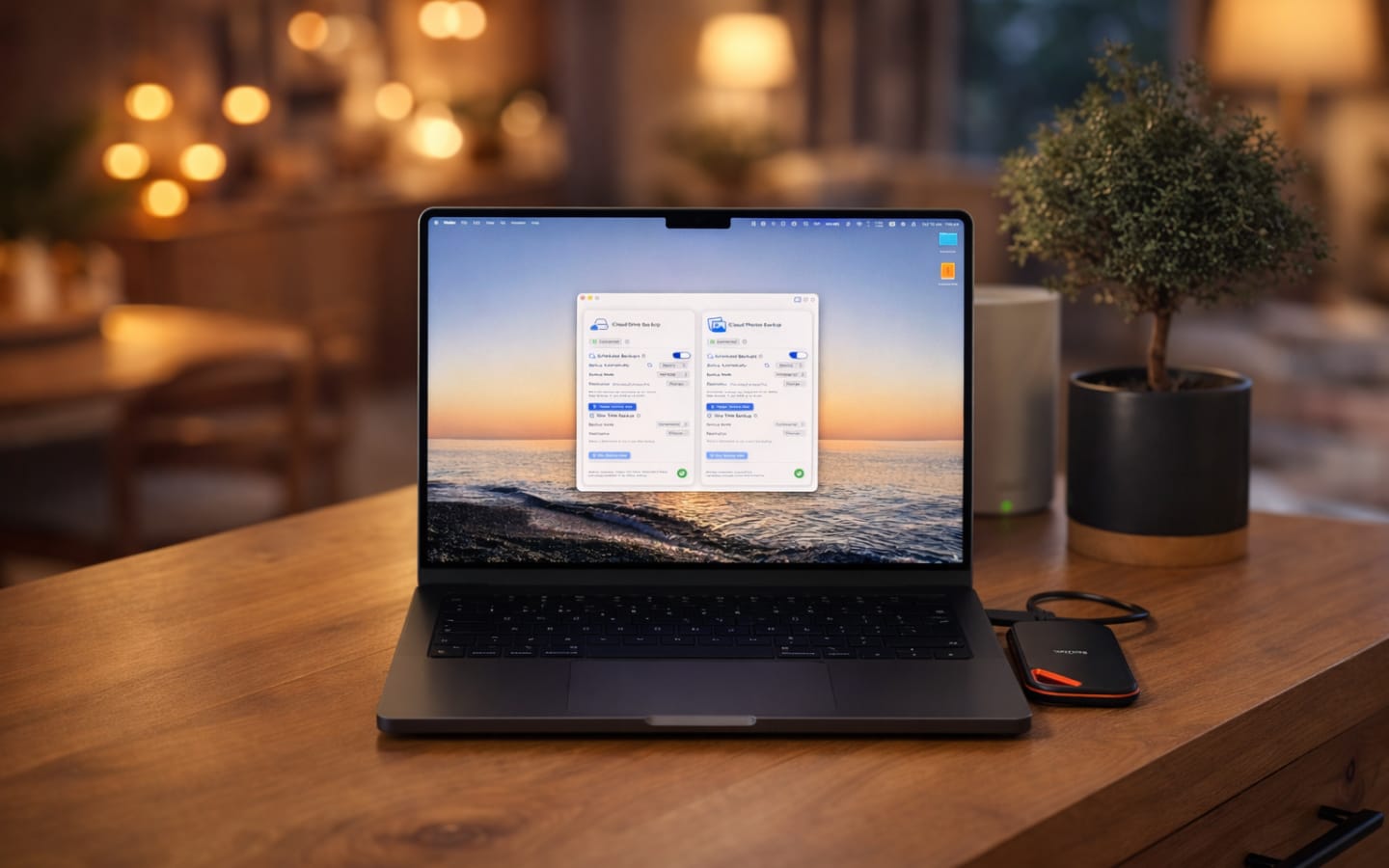
I'm one of those people who obsess over backups. Not in a casual "I should probably do that" way, but in a "what if a meteor strikes Google's data center" way. This particular quirk has followed me since I first touched a computer, back when ZIP drives were cutting-edge and leaving a floppy disk on a speaker meant saying goodbye to your files forever. (I'm showing my age here, and yes, I learned that lesson the hard way.)
You'd think decades of backup paranoia would mean I'd never lose anything. You'd be wrong. Power outages that fried entire PCs. Disks that mysteriously corrupted. That one time I "temporarily" stored photos on a drive I then reformatted. Each loss only deepened the obsession.
The cloud solved everything (sort of)
Fast forward to today, and most of my digital life lives in the cloud. iCloud, specifically. Being deep in Apple's ecosystem, the integration is genuinely convenient. My files follow me across my MacBook, iPhone, and iPad without thinking about it. I can pull documents from iCloud Drive within any app because it's woven so deeply into the system. It just works.
But here's the thing about convenience: it creates dependency. And dependency, for someone with my particular brand of backup anxiety, creates a new kind of unease.
My photos, my work files, my notes: they're all sitting in a data center I'll never see, managed by a company I have no control over. I know Apple's infrastructure is infinitely more robust than anything I could build at home. I know the odds of iCloud simply vanishing are astronomically low. But that's not really the point, is it? Sometimes it's about the feeling of control, the satisfaction of knowing you have a copy that's truly yours.
The gap in my backup strategy
For years, I've kept a Synology NAS on my desk, dutifully mirroring my cloud storage. It's been my safety blanket, a local copy that doesn't care about internet outages or subscription lapses. The problem? iCloud doesn't play nice with third-party sync solutions.
My workaround was Carbon Copy Cloner. I'd set up tasks to copy my iCloud Drive folders to an external drive on a schedule. It worked, technically. But it came with two catches: everything had to stay downloaded locally, and Carbon Copy Cloner releases paid updates nearly every year. The app itself is solid, but those recurring upgrade costs add up. When my iCloud storage was under 100GB, keeping everything local was fine. Now that I'm nearing half a terabyte, my MacBook's SSD is starting to sweat.
I eventually switched to rsync commands in Terminal, which solved the cost problem (free forever), but not the fundamental one. If I wanted to back up my iCloud data, I still needed to keep all of it on my Mac first. That's not a backup strategy; that's a storage sacrifice.
Enter Parachute Backup
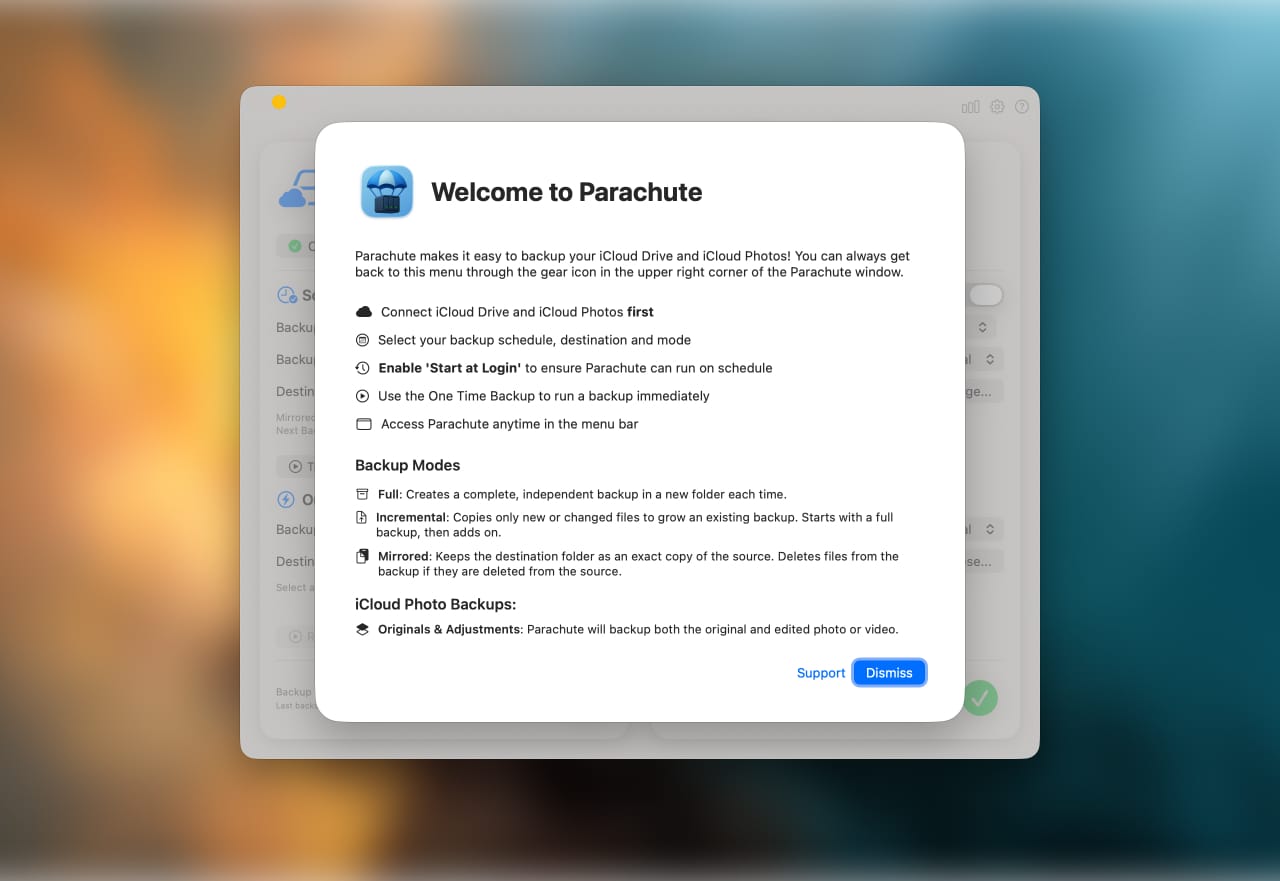
About a month ago, I stumbled across Parachute Backup, and I'm fairly certain it was built for people exactly like me. The pitch is simple: back up your iCloud data to any location without filling up your Mac's disk space.
That last part is the key. Parachute Backup works file by file: it downloads a file from iCloud, copies it to your backup destination, and immediately offloads it back to iCloud while respecting whatever storage rules you've set. The result? Your Mac's SSD never fills up beyond what it was before you started the backup. It handles both iCloud Drive and your Photos library, creating an exact mirror wherever you point it.
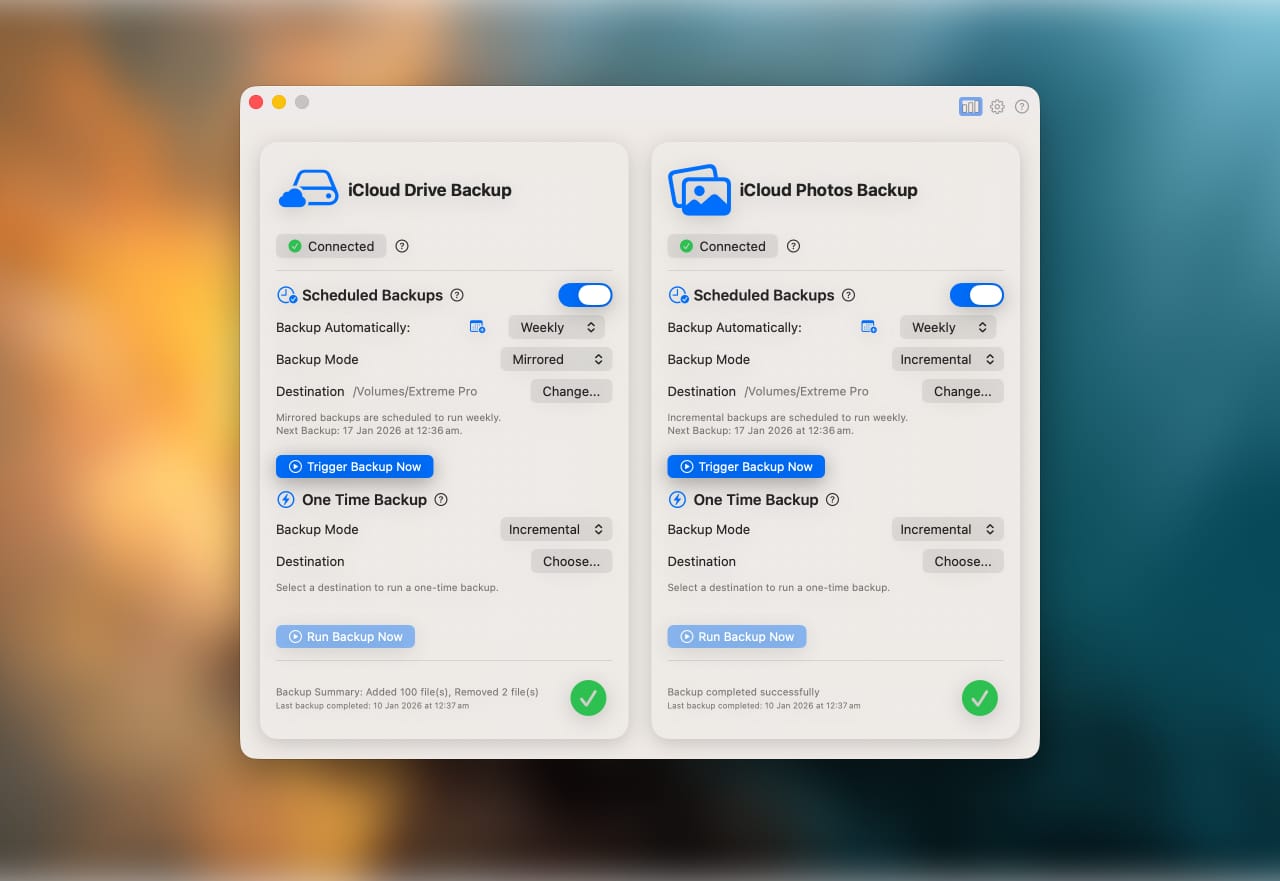
The setup took about five minutes. I connected my external SSD, selected what I wanted to back up, chose "Mirrored" as my backup mode, and scheduled it to run weekly. Done.
How I'm actually using it
I considered pointing Parachute Backup at my Synology, but I travel often enough that having everything on a palm-sized SSD feels more practical. When I'm home, I plug it in before my scheduled backup. When I'm traveling, the SSD comes with me. If I forget to connect the drive? The backup simply doesn't run that week, and I can trigger it manually whenever I remember.
What I appreciate most is how it handles changes. Delete a file from iCloud Drive? It disappears from the backup on the next run. Update a document? The new version syncs over. Because I'm using the "Mirrored" mode, my backup stays an exact reflection of my cloud storage (no bloated archives, no duplicate versions eating up space). There are also "Full" and "Incremental" modes if you prefer keeping historical copies.
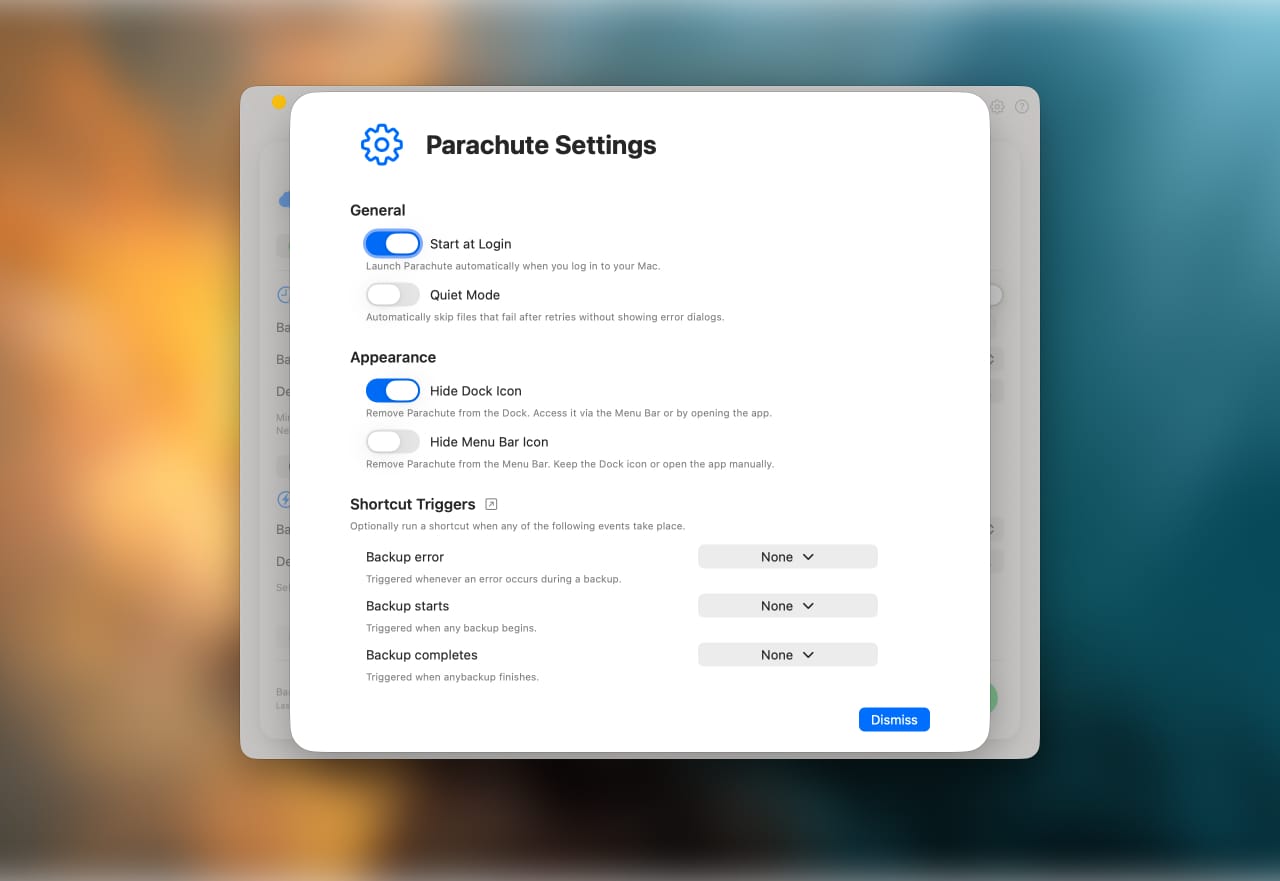
The small details that matter
Parachute Backup isn't a flashy app with endless settings and toggles. It's a utility that does one thing well. A few things I've noticed:
- No subscription. You buy it once ($4.99 for macOS), and it's yours. No recurring fees, no unlock tiers.
- You're not locked in. Your backups are just files on a drive. If you stop using the app tomorrow, your data is still there, accessible like any other folder.
- iOS and iPadOS versions exist. Same feature set, same one-time purchase ($3.99). Handy if you want to back up directly from your iPhone or iPad.
Is it perfect?
No app is. The first backup takes a while if you have a large library (mine was around 400GB, so I let it run overnight). And if you forget to connect your drive for a few weeks, you'll have a gap in your backup coverage. But those are user problems, not app problems.
For anyone who's been looking for a way to keep a local copy of their iCloud data without surrendering their Mac's storage, Parachute Backup fills a gap I didn't think anyone was addressing. It's not trying to replace Time Machine or compete with enterprise backup solutions. It's just a thoughtful tool for a specific, real-world problem.
And for someone who's spent decades trying to outrun data loss, that's exactly what I needed.